










Radio Controls
Learn what each control on your CB radio does and how to set it properly
Guides
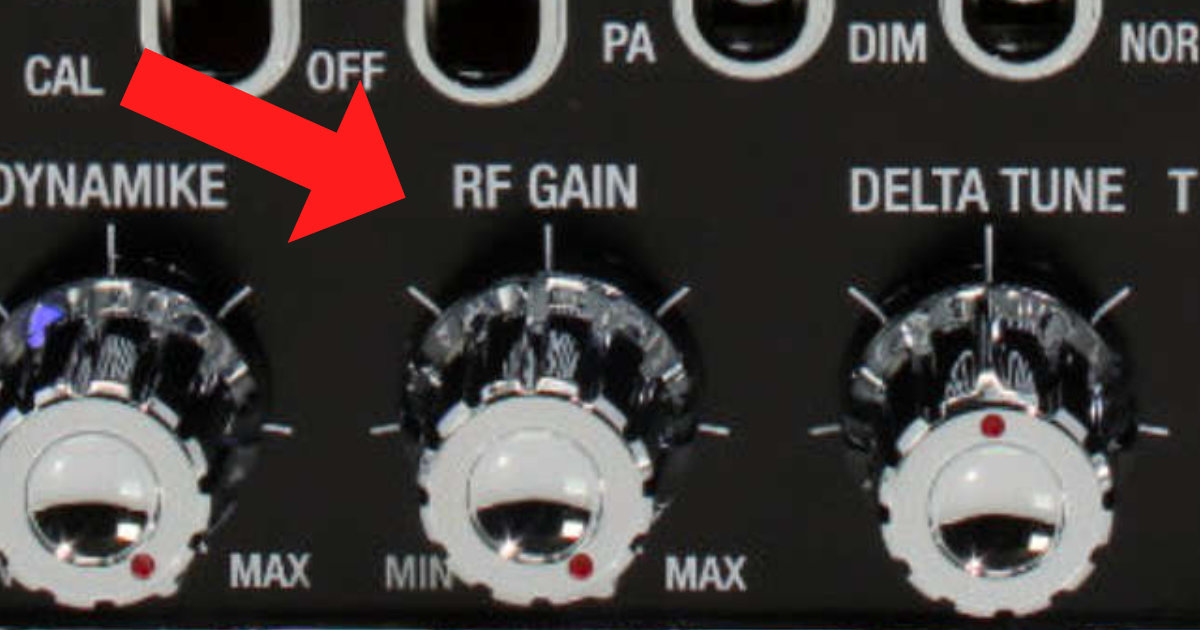
What is the RF Gain Control on a CB Radio?
Understanding the RF Gain control and how it differs from the squelch. Learn to adjust your receiver sensitivity for optimal performance.
What does the Mic Gain or Dynamike do on my radio?
Where do I put the Mic Gain or dynamike control on my CB radio? Get answers to your CB radio controls here, at Walcott Radio.
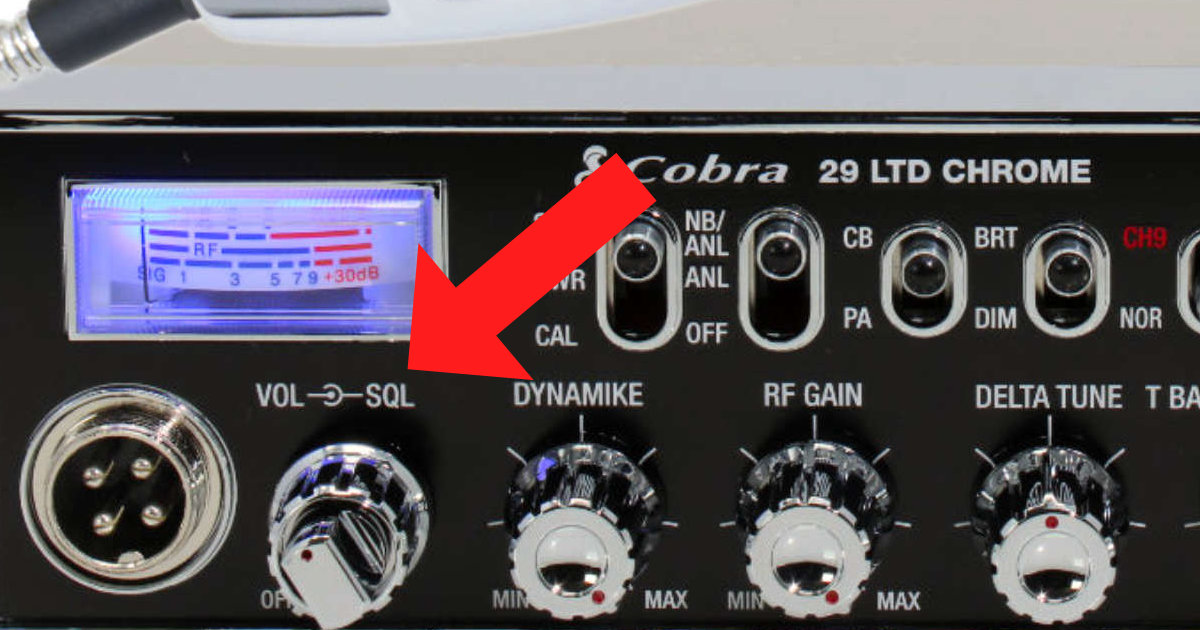
What is the Squelch Control on a CB Radio?
The squelch control is arguably the most important control on CB radios. Learn what it does and how to set it properly for clear communications.
What does the NB ANL switch do on my radio?
When do you turn off the NB/ANL switch? What purpose does the noise limiter serve? Get answers to your CB radio controls here, at Walcott Radio.
What does the USB LSB AM and FM switch do?
What is the mode selector on a radio for? Why would I use USB LSB FM or AM, which one is correct? Get answers to your CB radio controls here, at Walcott Radio.
What does T Back or Talkback do on a CB radio?
Talkback or Tback as Cobra radios call it, what does it do? Get answers to your CB radio controls here, at Walcott Radio.
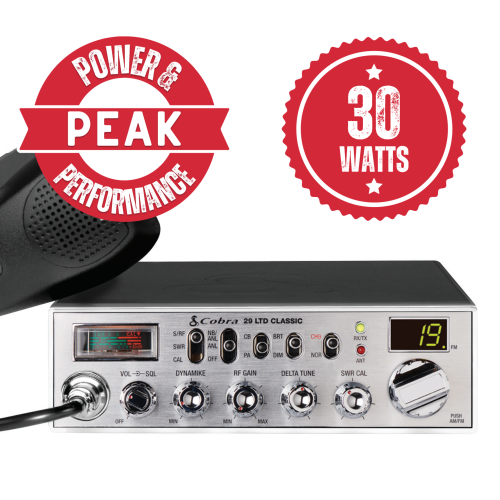
What does the Delta Tune control do on a CB Radio?
What is the Delta Tune and where do I set it? Get answers to your CB radio controls here, at Walcott Radio.
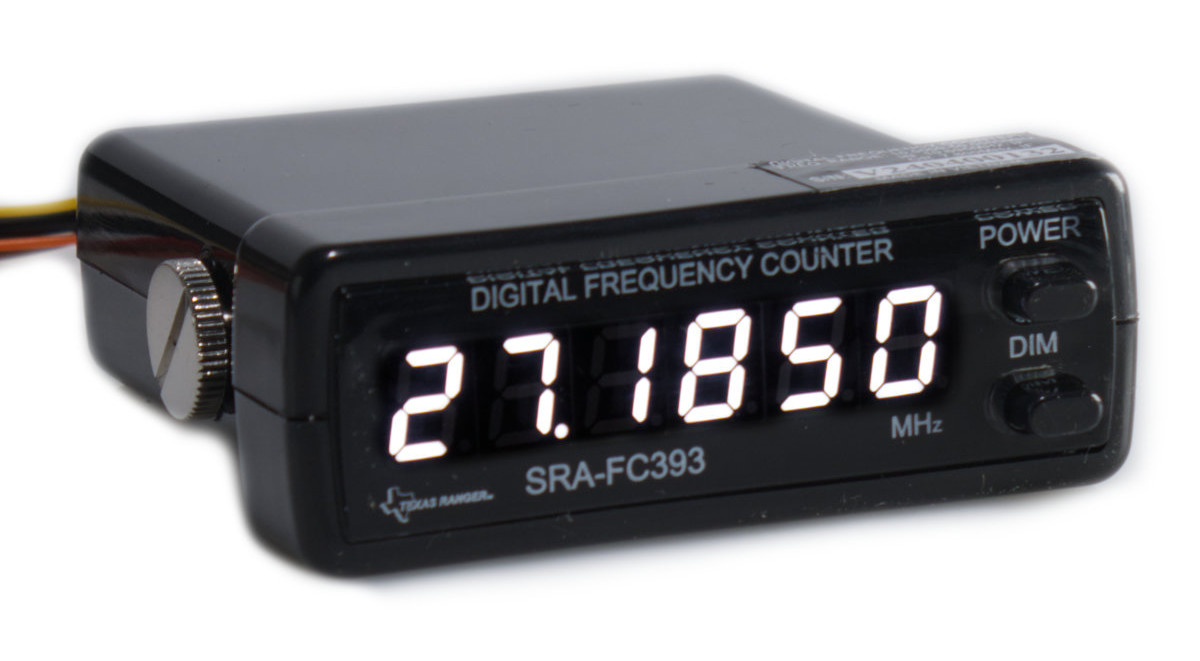
What is a Frequency Counter used for?
What are those numbers for anyhow? See why a frequency counter is important for your CB radio
Quick answers on radio controls
All answers →What is the squelch control on a CB radio?
The squelch control filters out background static when no one is transmitting. Turn it clockwise until the static just disappears - this is the optimal setting. If set too high, you may miss weak signals. If set too low, you'll hear constant static.
How do I set the RF gain on my CB radio?
RF Gain controls receiver sensitivity. For most situations, set it to maximum. In heavy traffic or with strong nearby stations, reduce it to prevent distortion. Start at max and adjust down if signals sound overdriven.
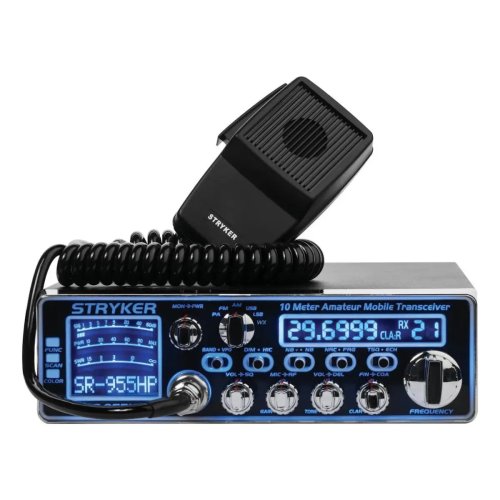
How do I adjust the echo on my Stryker radio?
Echo controls are typically on the front panel or inside the radio. For Stryker radios: 1) Locate the ECHO knob, 2) Turn it to about 25-30% for a natural sound, 3) Avoid setting it too high as it can cause feedback and make your audio unintelligible. Some radios have internal adjustment pots for fine-tuning.
Why can't I receive any signals on my CB radio?
Check these in order: 1) Squelch set too high - turn counterclockwise, 2) Volume turned up? 3) Antenna properly connected? 4) Are you on an active channel (19 is most popular)? 5) Try both AM and SSB modes if available. 6) Check antenna SWR - high SWR can affect receive.
What is the Delta Tune or Clarifier?
The Delta Tune (also called Clarifier) fine-tunes receive frequency. On AM, it's mainly used to center signals. On SSB (Single Sideband), it's essential for making voices sound natural. Adjust until the other station sounds clear and not 'Donald Duck' like.
Why do voices sound distorted or robotic on SSB?
SSB does not lock exactly on frequency like AM. Voices sound distorted when the radio is slightly off frequency. Use the clarifier (delta tune) knob and slowly adjust until the voice sounds natural. This is normal and required every time you change channels or talk to a different station.
Other topics
Still stuck? Our techs answer the phone.
We run these radios ourselves. Call 1-844-925-2688 (M–F 10–5 CST), or send a question and we will write back.