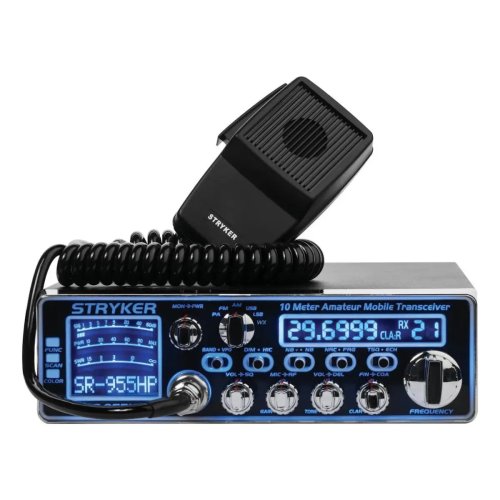

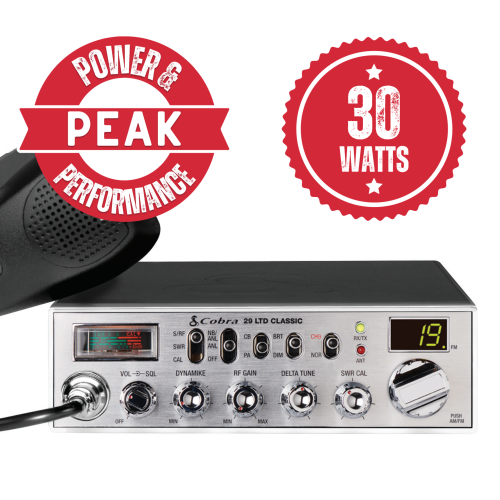









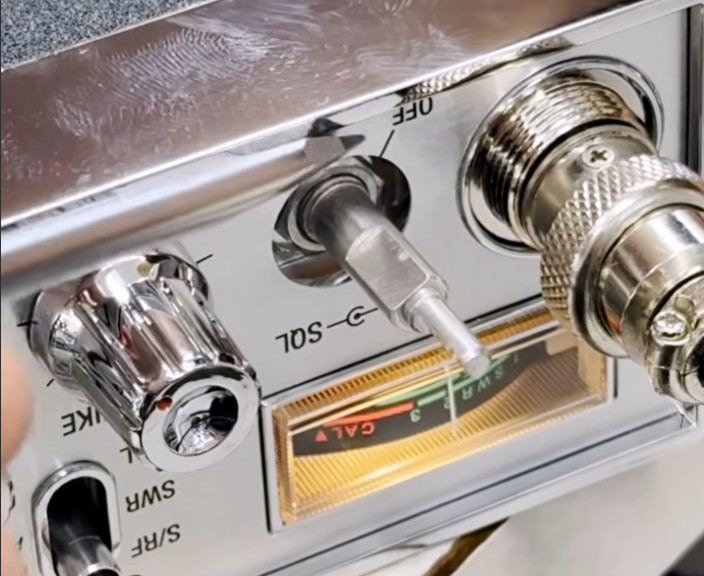
If the volume or squelch knob on your CB radio crackles, pops, or cuts in and out when you turn it, the control isn't broken — it's just dirty. Over time, dust and a thin layer of oxidation build up on the carbon track inside the potentiometer. A quick shot of electronics contact cleaner usually clears it right up.
Watch the short video below, then read the step-by-step if you want more detail:
What You'll Need
- A can of electronics contact cleaner (DeoxIT or equivalent — not WD-40 or general-purpose cleaner)
- A small Phillips screwdriver to open the radio case
- A clean, dry workspace
Step-by-Step
- Disconnect power. Unplug the radio from the vehicle or power supply before opening anything up.
- Pull off the plastic control knob. Most CB knobs are friction-fit and pull straight off with gentle, even pressure.
- Spray cleaner at the base of the control shaft. A short burst into the gap where the shaft enters the radio will reach the front side of the potentiometer.
- For stubborn cases, open the case. Remove the case screws and slide the top cover off. Locate the back of the potentiometer (it'll be a small cylindrical component with three solder lugs, mounted to the front panel).
- Spray the cleaner directly into the potentiometer housing. Most pots have a small opening on the back or side that lets the cleaner reach the carbon track inside.
- Work the control. Rotate the knob (or the shaft, if the knob is off) back and forth through its full range 10–20 times. This wipes the contacts clean.
- Let it dry. Wait a few minutes for the cleaner to evaporate before reassembling and powering up.
A Few Cautions
- Use electronics-safe contact cleaner only. Lubricants like WD-40 will leave residue that attracts more dust and can damage plastics.
- Don't soak the board — a short, targeted spray is all you need.
- If the noise comes back within a few weeks, the pot may be worn out and need replacement rather than cleaning.
This same process works on squelch, RF gain, mic gain, and channel selector controls. If you've got questions about your specific radio, give us a call or shoot us a message.